
Box office (POS)
Closing the shift and troubleshooting
Counting the drawer, automatic closing, and what to do when something goes wrong.
- Press Close register.
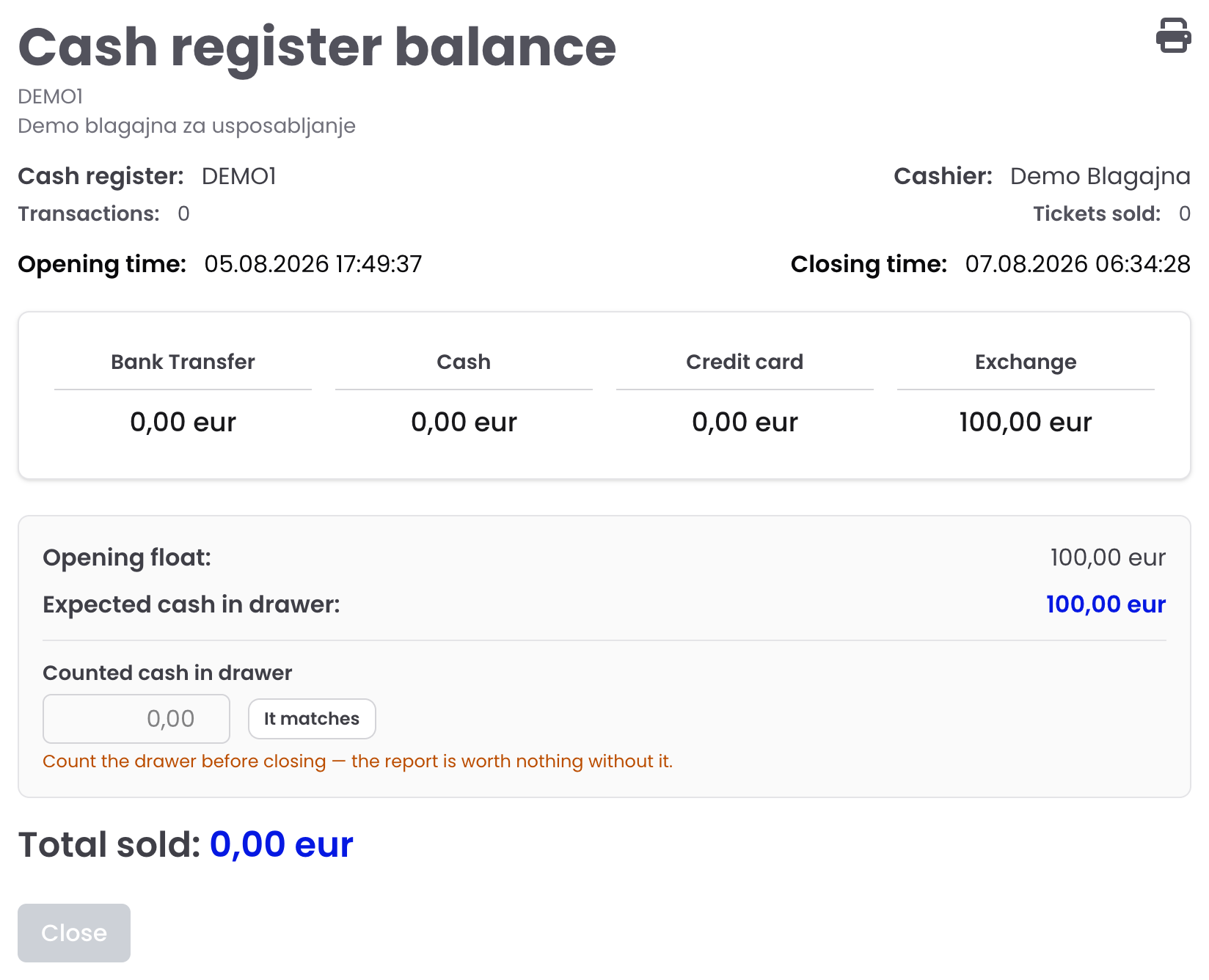
- Look over the summary and the expected cash in drawer.
- Count the drawer and enter Counted cash — the till says whether it matches, or is over or short.
- Press Close. The report is printed and emailed to the club’s management.
A till left open closes by itself after four hours without a sale and at midnight; the basket stays for the next shift.
When something goes wrong
| What you see | What to do |
|---|---|
| Red bar “No connection to the server” | Do not press again — wait for the bar to clear, then retry |
| Tickets did not print | No — print again or Reprint last |
| A sale completed wrongly | Storno on that sale |
| Reporting failed | The sale is valid; failed invoices are offered to the tax authority again automatically |
| A stand is white | Not on sale here, web only, or sold out |
| “Sale not available” | The fixture has no ticket prices valid today |
| A fixture is missing | Its sales channels say Web only, or its till sale has not started |
Was this helpful?
Thank you. We read every answer.
The best support in ticketing
A real person on duty, with name and phone on your till and gate screens. On big nights our team is on site.