
Box office (POS)
Selling tickets, season tickets and goods
Quick add, picking a seat, season tickets, shop products and large group orders.
The quick way — no floorplan
- Choose the fixture.
- In Quick add, choose the stand — each shows how many places are free.
- Press 1–4 beside the category, or type a number and press Add.
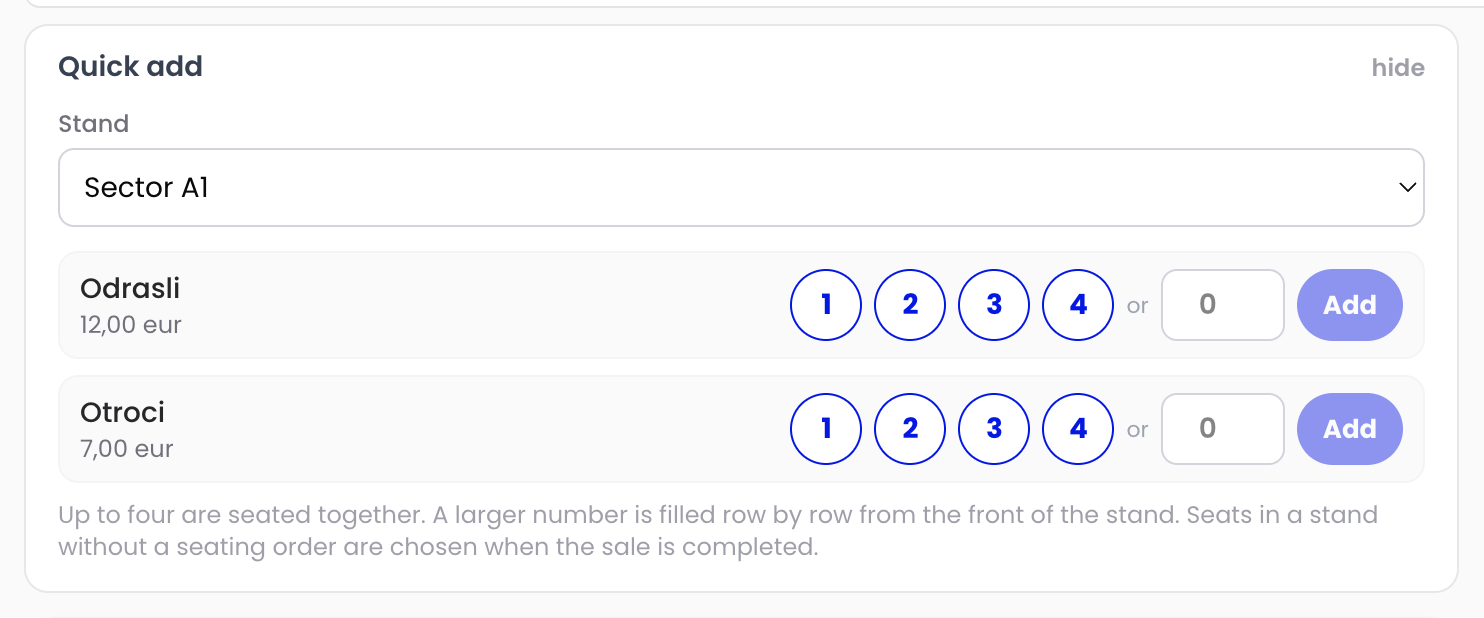
The till picks seats together and reads them back (for example 4 × Adults — R10·S4…S1). If that many are not free together it says “Not all together” — tell the customer. Above twenty it fills rows from the front and names the rows.
A particular seat
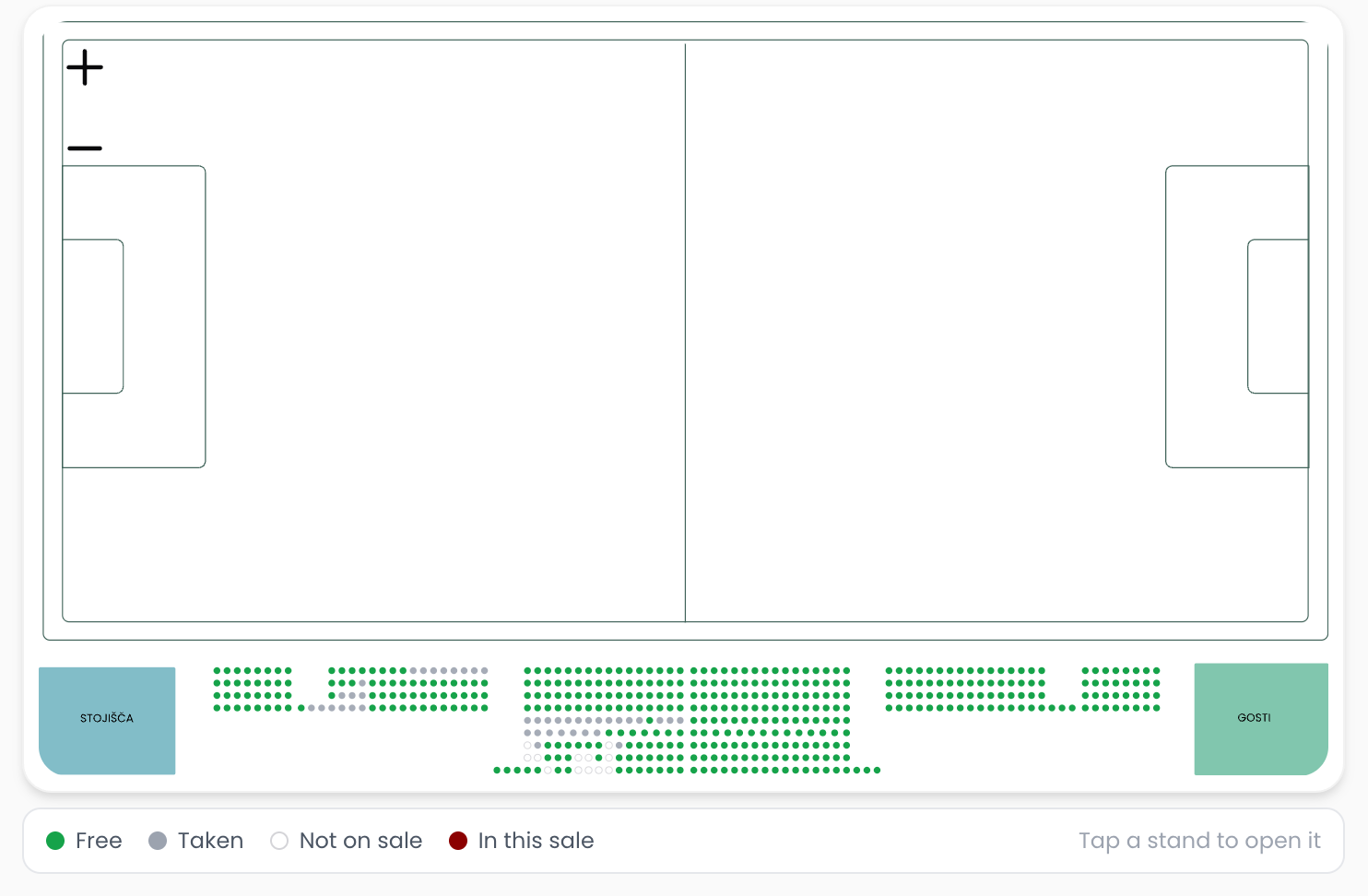
Tap the stand, tap the seat, choose the category. Zoom with + and −. Green is free, grey taken, white not on sale here, dark red in your basket, amber in another till’s basket.
Season tickets and several fixtures
On Pass Categories choose the pass and press 1–4; enter the holder’s name and surname in the basket. One sale can hold several fixtures and a season ticket — the basket is not emptied when you switch.
Shop products
The Shop tab lists products on sale at the till with stock per size. Personalize a jersey on the basket line (+ Personalize). Products sold with tickets get their own invoice and a short receipt.
How full the ground is
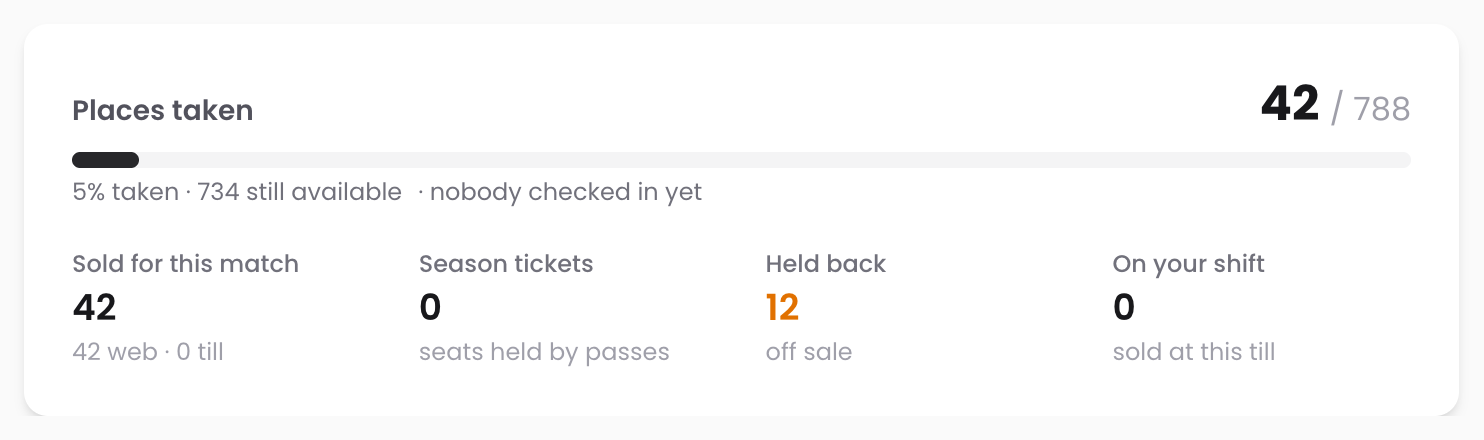
Places taken, sold for this match (web/till), season tickets, held back and your own shift — plus how many are already checked in.
The best support in ticketing
A real person on duty, with name and phone on your till and gate screens. On big nights our team is on site.